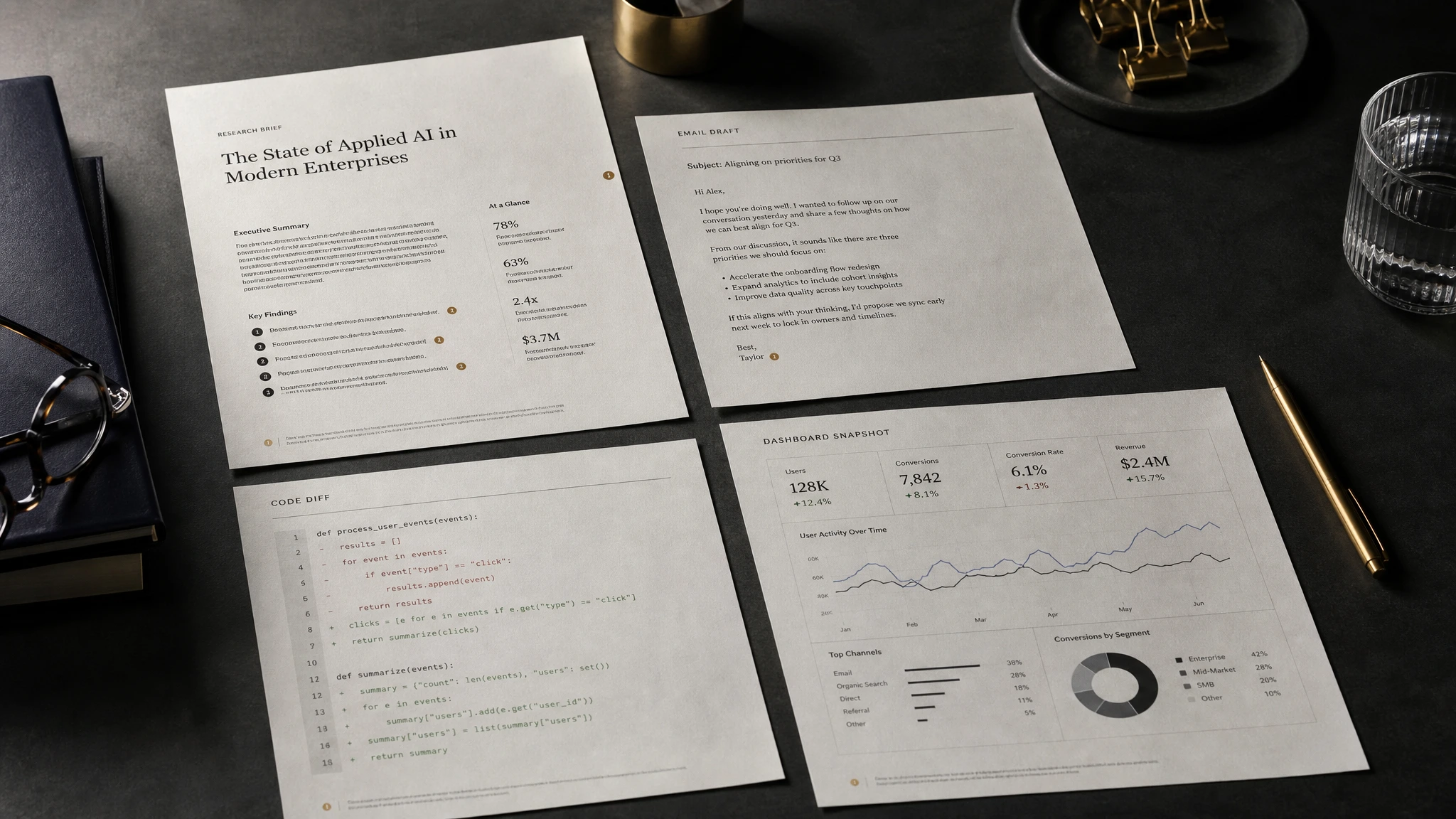
AI artifacts are the tangible, persistent outputs produced by AI agents—documents, reports, emails, code, dashboards, or images—meant to be reused, shared, and shipped. Unlike ephemeral chat responses, artifacts are task-complete deliverables with provenance and structure. They are the unit of value in agent workflows: what a team actually reads, sends, deploys, or analyzes.

Why Artifacts Matter
Chat answers are transient; artifacts persist. When an agent drafts an email, generates a risk report, or assembles a dashboard, the artifact carries decisions, citations, and formatting that humans can audit. Artifacts can be versioned, reviewed, approved, and composed into larger projects. Without them, AI output disappears into scrollback and cannot be trusted or reused.
Types of AI Artifacts
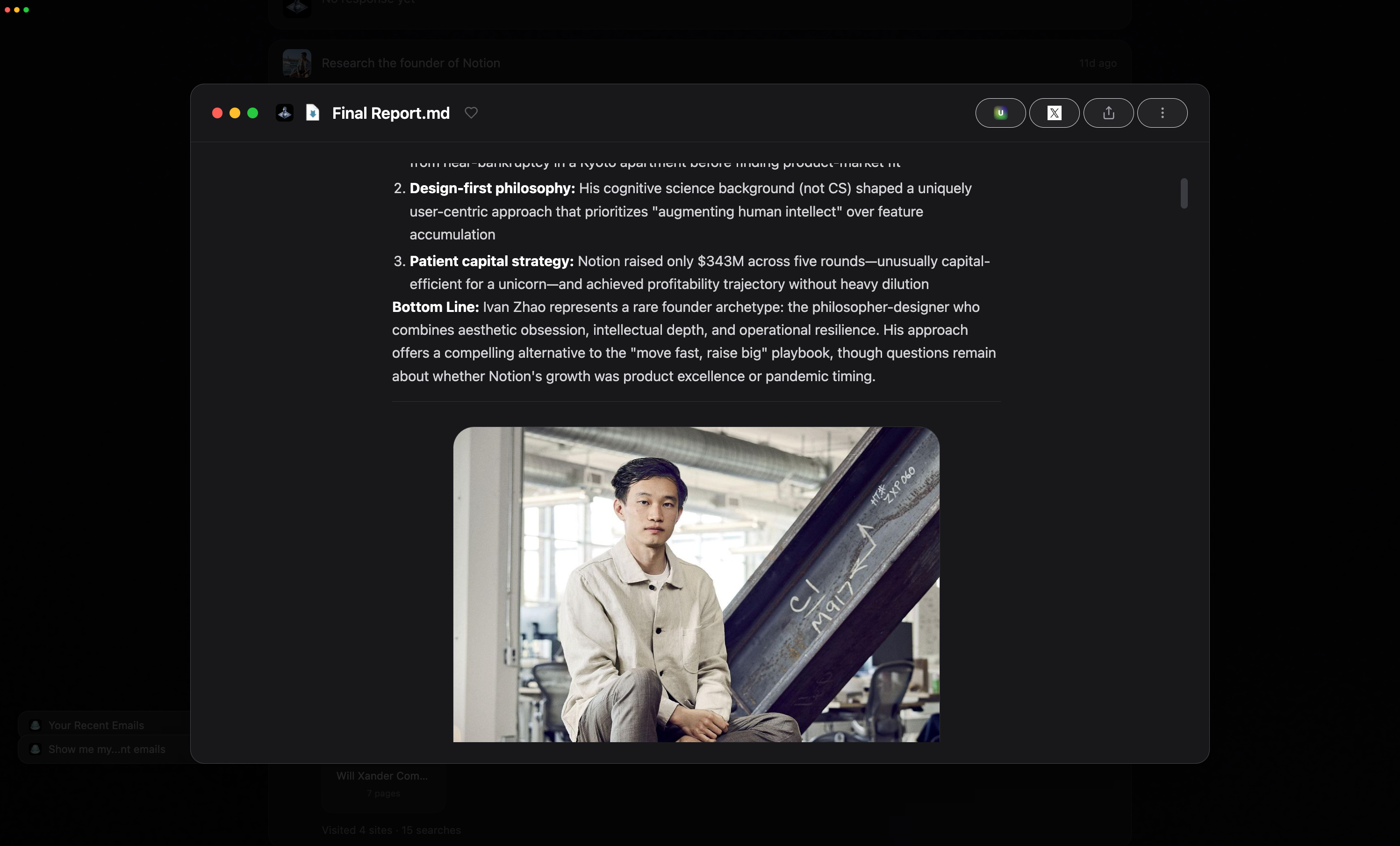
- Research reports. Summaries with citations, comparisons, and recommendations.
- Drafted communications. Emails, memos, release notes, social posts tailored to recipients.
- Generated code. Patches, tests, scripts, and configuration files with execution instructions.
- Data visualizations. Charts, dashboards, and ad hoc views tied to source data.
- Checklists and plans. Step-by-step procedures with owners and deadlines.
- Ephemeral apps. One-off interfaces generated to interact with a dataset or workflow (see Ephemeral Apps).
That last category matters because an artifact is not always a static file. Sometimes the output is a temporary interface built around the task itself — a one-off control panel, a sortable review queue, a tiny browser for the exact dataset in front of you. That is where artifacts start to blur into the broader Agent OS idea: the system is not just answering, it is constructing reusable surfaces for work.
Artifact vs AI-Generated Content
| Attribute | AI Artifact | Generic AI Content |
|---|---|---|
| Goal | Task-complete deliverable | Raw text or media |
| Structure | Versioned, typed (report, email, code) | Free-form |
| Provenance | Includes sources, tool calls, approvals | Often missing |
| Reusability | Linkable, exportable, composable | Hard to reuse |
| Review | Supports approvals and change history | Usually one-shot |
| Lifespan | Persisted for future tasks | Disappears in chat |
Artifacts anchor trust: they reveal what data was used, which tools ran, and who approved the output.
How Agents Produce Artifacts
- Intent capture. Task comes with desired format (email, report, PR) and constraints (length, tone, recipients).
- Context assembly. Agent retrieves relevant documents, events, or code.
- Draft generation. Using tools and models, the agent produces an initial artifact with citations or logs.
- Review loop. Human or judge agent comments; the artifact is revised with tracked changes.
- Approval and delivery. Once approved, the artifact is sent, published, or handed to another agent.
- Archiving. Artifact and provenance are stored for reuse by other agents and future audits.

Where Artifacts Live in an Agent OS
An agent OS maintains an artifact store alongside memory and tool mediation. Each artifact keeps metadata: title, type, sources, related tasks, and permissions. The OS links artifacts to timelines so users can jump from a delivered report back to the exact tool calls that produced it. Rush’s interface, for example, renders artifacts inline, surfaces approvals, and lets other agents pick them up without re-asking for context.
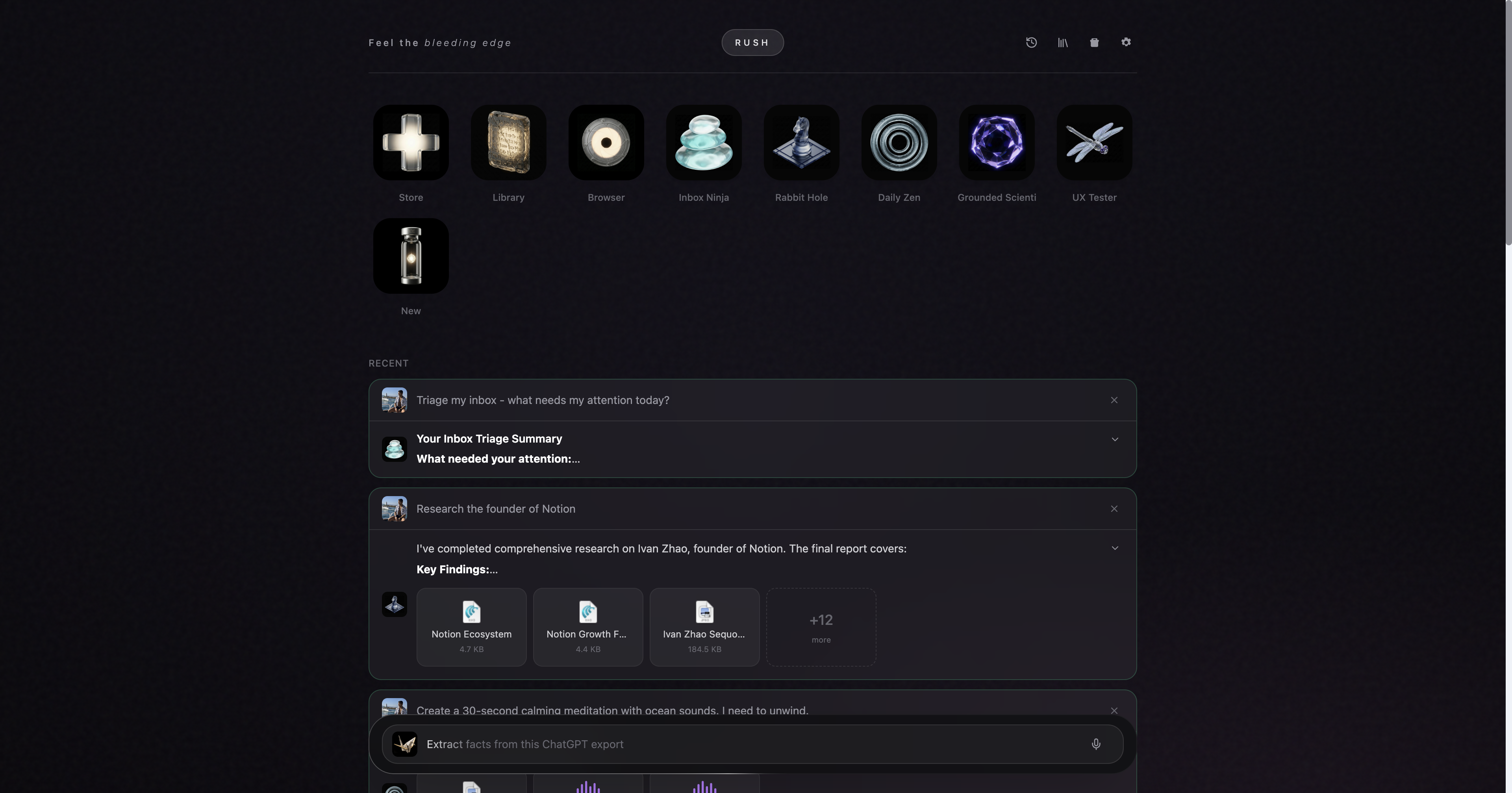
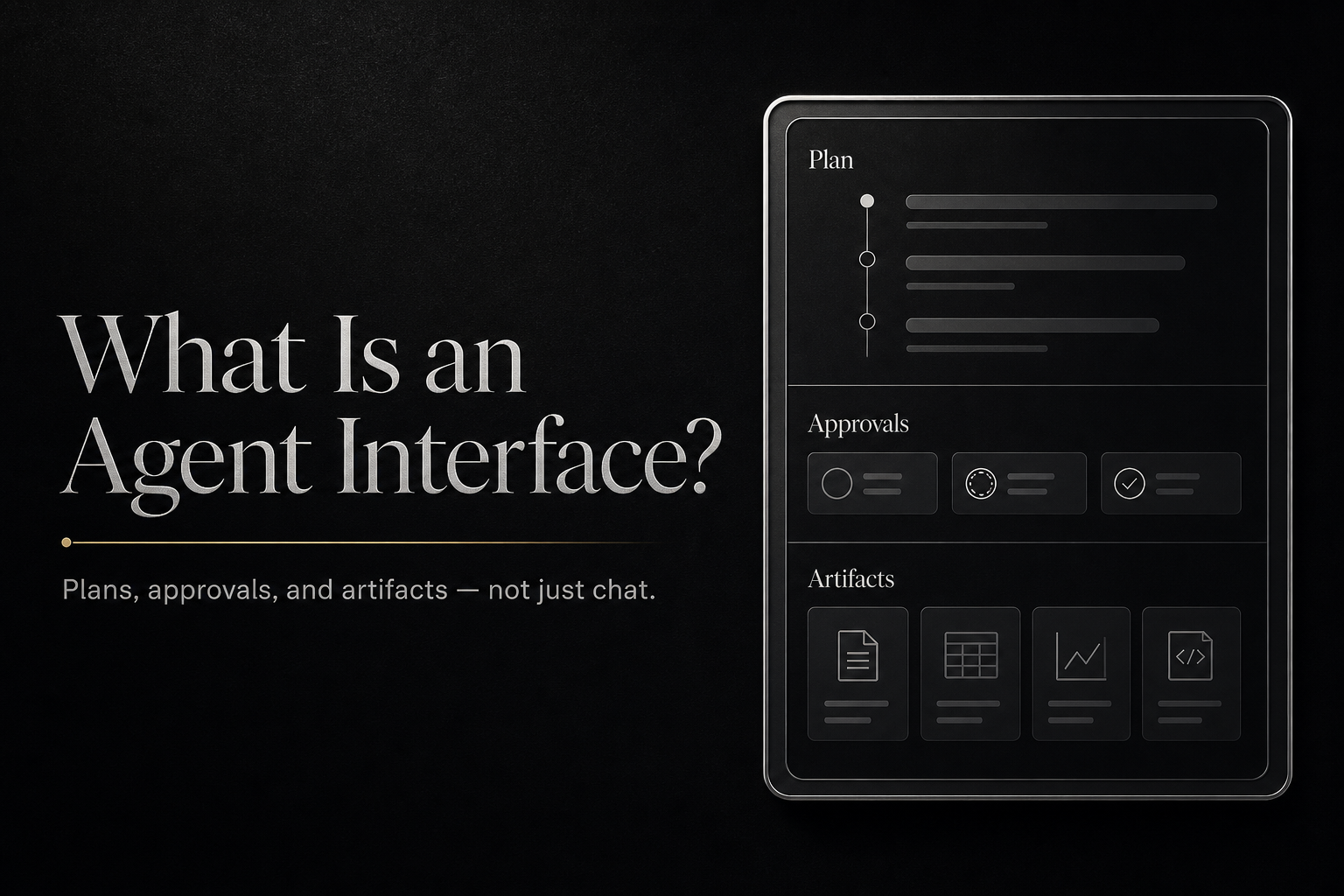
That is also why artifacts and interface design are inseparable. If the only surface is a transcript, then provenance, approvals, and handoffs stay buried. A real agent interface gives the artifact a place to live.
Designing Artifacts for Reuse
- Typed schemas. Define formats (email, brief, patch) so downstream agents know how to consume them.
- Citations and logs. Preserve sources and tool outputs to increase trust and debuggability.
- Versioning. Keep revisions with diff views so humans can see what changed and why.
- Linkability. Every artifact should have a stable link for sharing inside and outside the agent environment.
- Export paths. Enable export to PDF, Markdown, or API responses so artifacts can move into other systems.
Artifacts and Human-in-the-Loop Control
Artifacts make approvals concrete. Instead of approving a hidden action, a reviewer sees the exact email, commit, or dashboard that will be shipped. For regulated workflows—finance, healthcare, security—this visibility is mandatory. Artifacts also enable rollbacks: if a deployed change causes issues, the artifact’s provenance shows the prompts and tools that led to it.
Measuring Artifact Quality
- Clarity and accuracy. Are claims sourced and readable by the target audience?
- Completeness. Does the artifact satisfy the original task constraints?
- Reuse rate. How often artifacts are shared or used by other agents without major edits.
- Approval friction. Number of revisions before sign-off; indicates trust and precision.
- Shelf life. How long artifacts remain valid before needing refresh.
Common Pitfalls When Managing Artifacts
- Treating chat logs as storage. Chat transcripts are brittle; store artifacts in a dedicated registry with metadata.
- Missing provenance. Without sources and tool outputs, reviewers cannot trust or audit the result.
- Format drift. If each agent invents its own template, downstream automation breaks; enforce schemas.
- Access sprawl. Artifacts may contain sensitive data; apply permissions and expirations just like documents in a DMS.
- No lifecycle policy. Refresh or retire artifacts on a schedule so stale outputs do not mislead users.
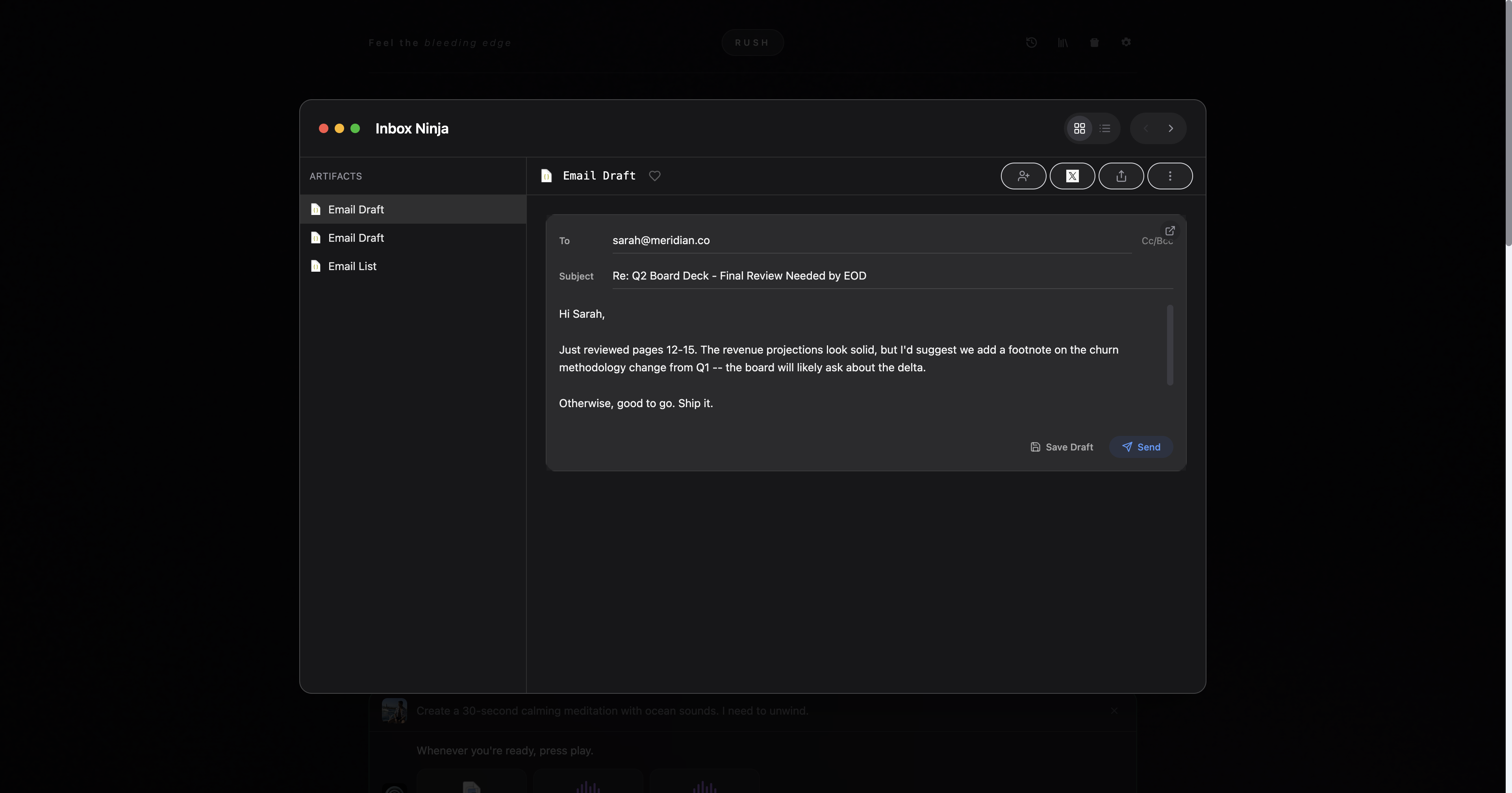
This is the difference between a system that merely sounds helpful and one that becomes operationally trustworthy. The artifact is what lets a human review, revise, approve, and route the work onward — the same larger argument behind Your Agent Doesn't Know Your Name.
The Shift from Chat to Artifacts
As agents move from assistants to coworkers, artifacts become the currency of work. Interfaces, evaluation loops, and permissions should revolve around producing high-quality artifacts, not streams of tokens. Teams that store, link, and reuse artifacts compound value: every new task can start from proven work instead of a blank prompt.