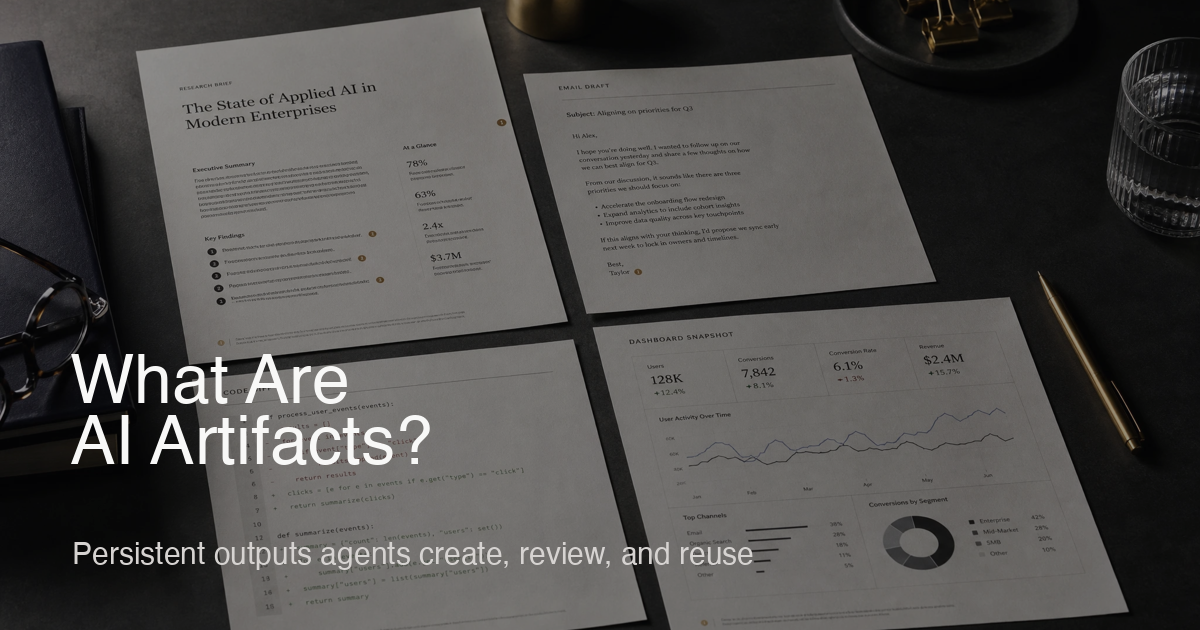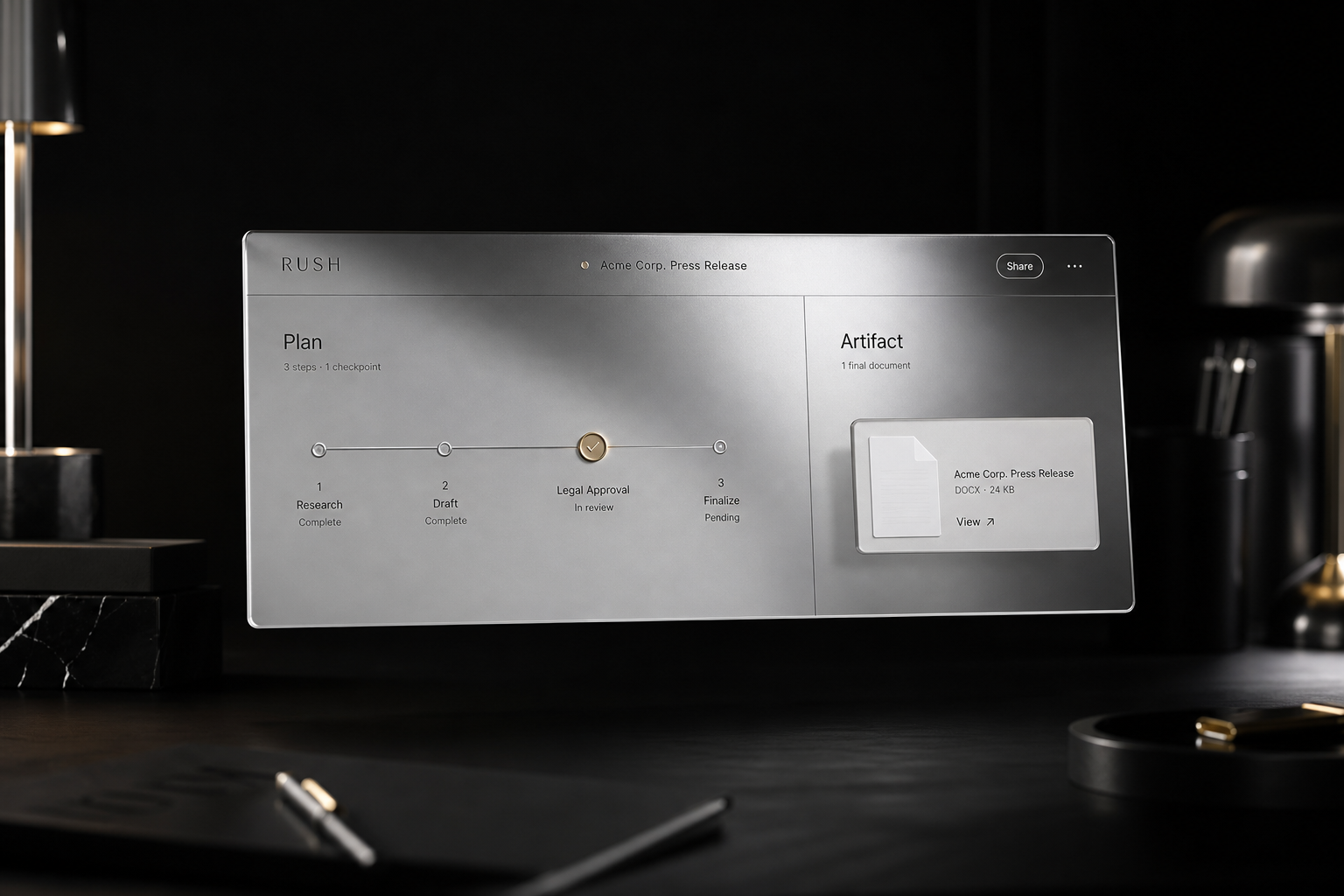
An agent interface is the interaction layer purpose-built for AI agents, presenting their plans, intermediate steps, and finished artifacts instead of trapping everything in a linear chat thread. It gives humans a structured way to inspect what an agent intends to do, approve risky actions, and consume durable outputs. Where chat UIs stream text, an agent interface treats the agent as a worker producing shareable artifacts with provenance.
Why Chat Alone Is Insufficient
Chat was optimized for answers, not for work. Agents now write reports, draft emails, generate dashboards, and schedule meetings. Those outputs require persistence, preview, and review states. Without an agent interface, users scroll transcripts to find drafts, lose track of approvals, and cannot see which tools were used—poor ergonomics for accountability and reuse.
That distinction matters even more in a multi-agent system. Once one agent researches, another drafts, and a third checks the work, the interface has to expose ownership and handoffs—not just print a transcript. That is the line between a chatbot and an agent OS.
Core Elements of an Agent Interface
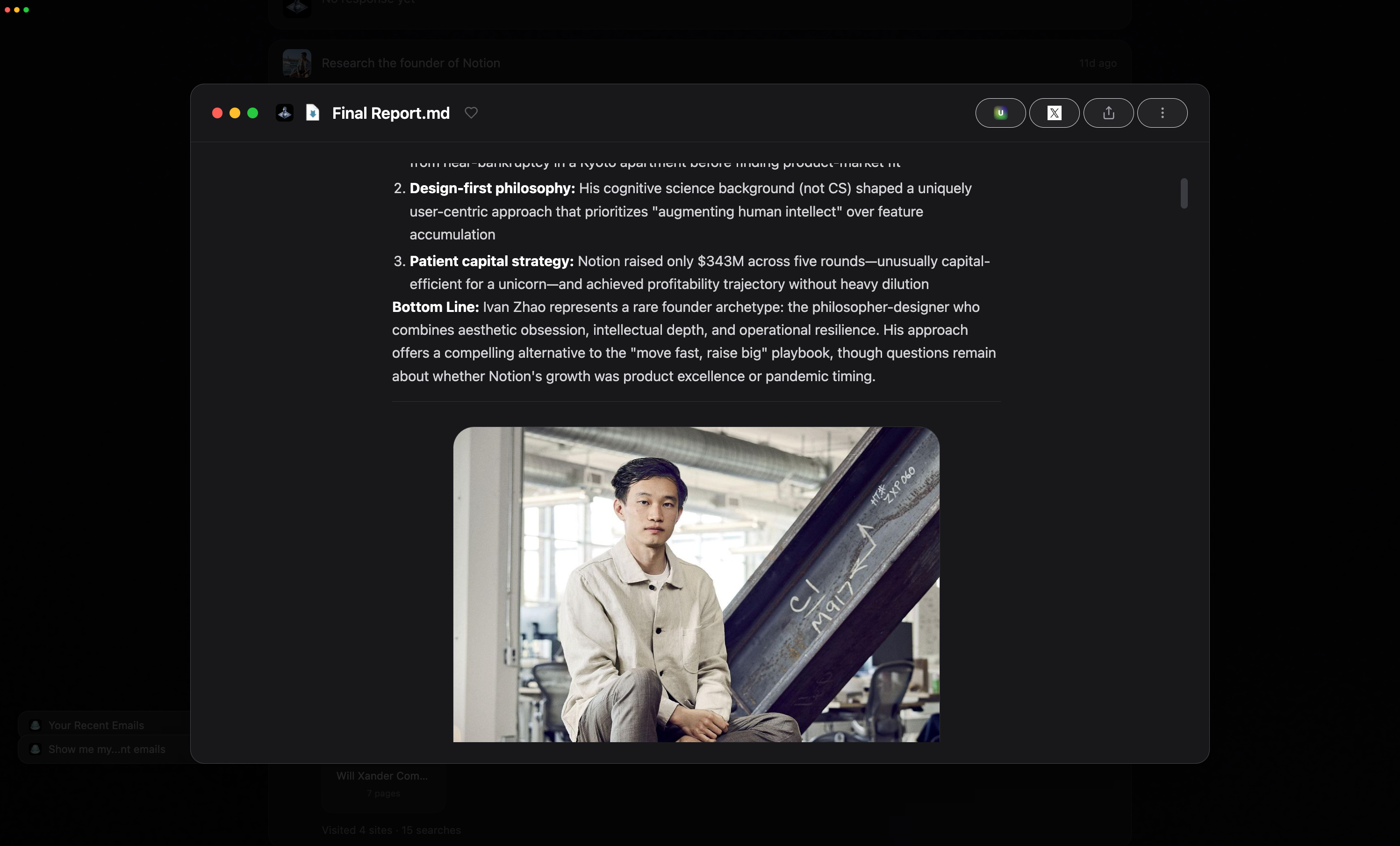
- Artifact viewers. Render reports, emails, code, spreadsheets, and visualizations with version history so users can compare revisions.
- Plan and progress panes. Show the current plan, dependencies, confidence, elapsed time, and ETA.
- Delegation controls. Split tasks, hand subtasks to other agents, or revoke scopes mid-run.
- Approvals and guardrails. Require confirmation for sends, purchases, commits, or calendar changes; log every decision.
- Context inspection. Reveal which files, calendar events, or messages the agent pulled into context so users can audit inputs.
- Recovery states. Clear error codes plus retry options instead of opaque failures.
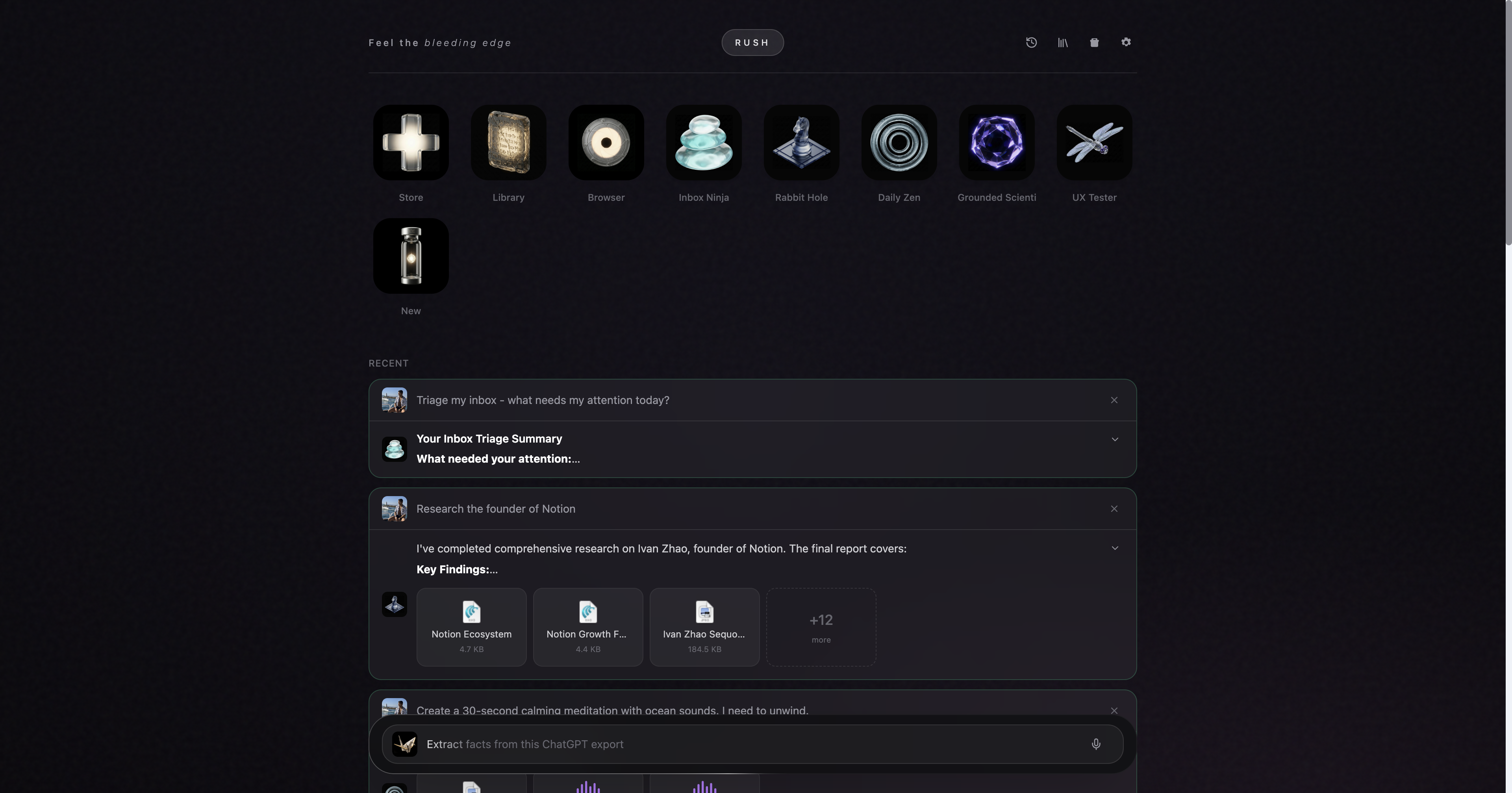
Chat vs Agent Interface vs Traditional GUI
| Dimension | Chat Interface | Agent Interface | Traditional GUI |
|---|---|---|---|
| Primary unit | Messages | Artifacts + plans | Menus/forms |
| Time model | Linear thread | Timeline with checkpoints | Event-driven windows |
| Transparency | Opaque prompts | Exposed inputs, tools, scopes | Visible controls |
| Control | Typed commands | Approvals, delegation, rollback | Buttons, dialogs |
| Persistence | Ephemeral text | Versioned artifacts | Files/settings |
| Collaboration | Copy/paste text | Share artifacts with provenance | File sharing |
An agent interface merges the transparency of developer tooling with the polish of productivity software, but keeps the agent—not the UI chrome—at the center.
Designing for Agent Output
Artifacts first. Treat the artifact as the product. Make it linkable, exportable, and resumable by other agents.
Inline explanations. Show why an agent chose a source or tool, with citations or logs to build trust.
Stateful controls. Approve, retry, or roll back steps without losing context—e.g., approve an email send after seeing the draft.
Time awareness. Agents may run for minutes. Surface ETA, queue position, and background execution so users can multitask.
Multi-agent clarity. When delegation occurs, show which agent owns each subtask and how artifacts flow between them (see The Siri Trap for why specialization matters).
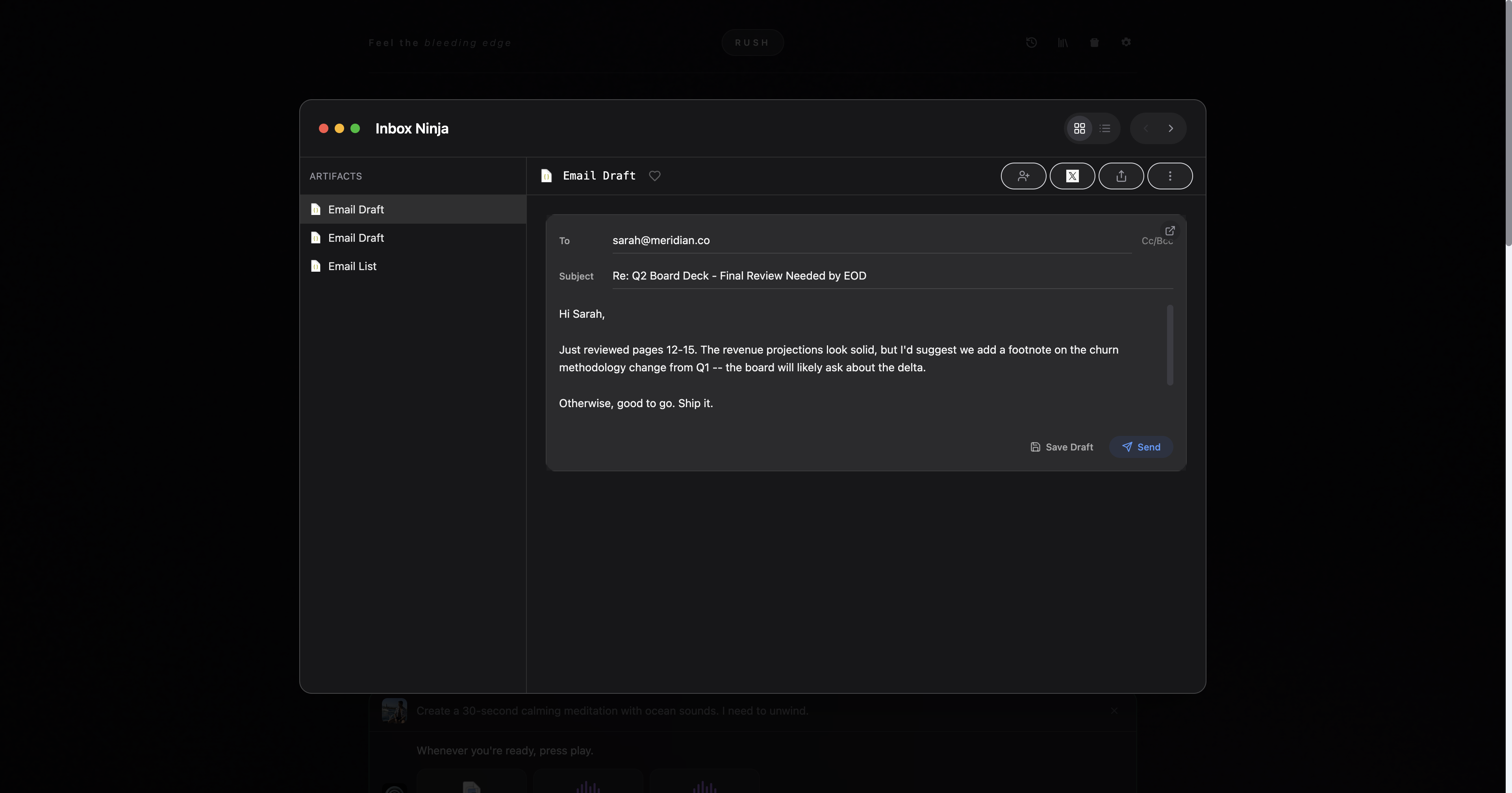
A good agent interface also avoids the trap of over-explaining every internal detail. The goal is legibility, not surveillance. Users should be able to see what matters, intervene at the right moment, and move on.
Example Flow
- User asks an agent to summarize quarterly performance.
- Interface shows a plan: pull finance CSVs, query CRM, generate charts, draft summary.
- Agent runs tool calls with live progress; user inspects intermediate charts.
- Draft report artifact appears with version history; user requests a revision.
- User approves sending the final PDF to stakeholders and schedules a follow-up task.
All steps stay in one pane, with artifacts and approvals tied to the timeline, eliminating the scavenger hunt across chat history.

Relationship to an Agent OS
The interface is the human-facing layer of an agent OS. The OS handles runtime, memory, and permissions; the agent interface exposes them in a trustworthy way. Rush, for example, pairs artifact viewers, approval flows, and structured error codes with a governed runtime so users can see—and control—what agents do.
That is also why AI artifacts and ephemeral apps matter here. If an agent can generate a temporary interface for a task, the surrounding product still needs a stable surface for approvals, provenance, and handoff. The interface is what keeps temporary power from feeling chaotic.
Implementation Principles
- Deterministic surfaces. Keep layouts stable; reserve regions for artifacts, progress, and controls so states are scannable.
- No toasts. Show inline success and failure states for auditability.
- Keyboard and screen reader support. Agents should be accessible like any productivity app.
- Linkability. Every artifact and step should have a permalink so other agents and humans can reference it.
- Safe defaults. High-risk actions require approvals; read-only access is default until elevated.
Measuring a Good Agent Interface
- Time to first useful artifact (not first token).
- Share-to-ship conversion: how often artifacts are shared then shipped without edits.
- Approval friction: number of unnecessary prompts vs truly risky actions.
- Recovery rate: percentage of failed runs that can be retried successfully from the UI.
The Future: Beyond Chat Windows
As agents become coworkers, interfaces must express intent, context, and accountability—not just conversation. An agent interface makes AI output feel like product-grade work: inspectable, revisable, and shippable. It is the missing layer between raw model output and real-world outcomes.